
Video Transcoding & Subtitle Burn-In
Keep video, subtitles, styles, and delivery output inside one final preparation chain.
This is the last stretch before delivery
After downloading source media and finishing subtitle work, creators still often need one more stage before publishing: transcoding, packaging, burning in subtitles, and checking the final file. DreamCreator keeps that stage inside the same workflow.
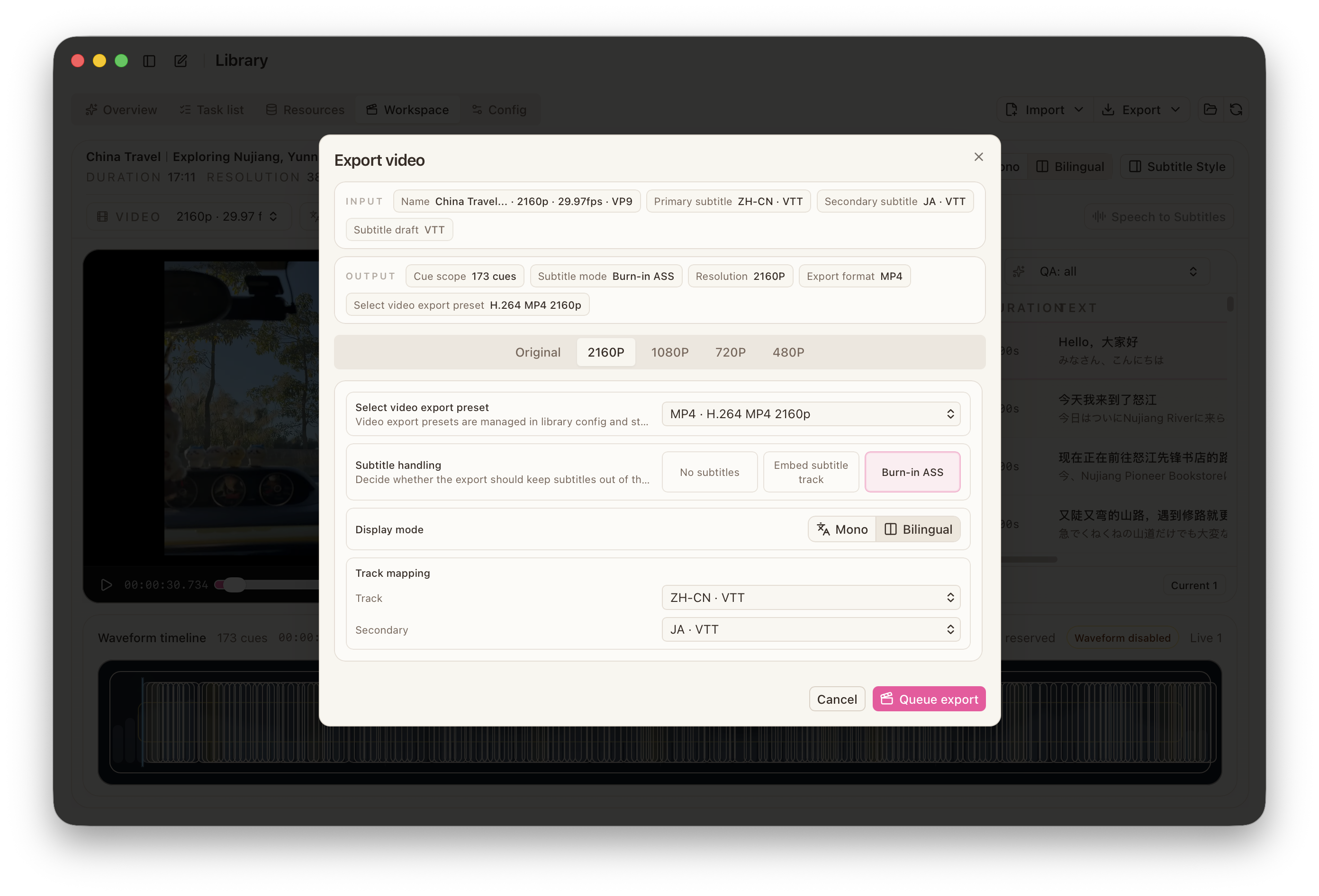
What to prepare first
- a valid source video
- a subtitle track or file that is already ready for delivery
- a working
FFmpegsetup - stable style choices if you care about visual consistency
Recommended flow
- Confirm the current video and subtitle version inside the workspace or task entry.
- Choose a transcoding path based on the real goal: compression, format normalization, or final release preparation.
- Decide whether subtitles stay external or become burned into the video.
- If you need bilingual or fixed styling, confirm the style preset and layout before export.
- Review the generated output for picture, timing, and subtitle appearance before calling it done.
Why subtitle style matters earlier than it seems
Once burn-in begins, style is no longer a preview-only concern. Font, sizing, color, outline, bilingual layout, and screen occupation all become part of the delivered video. Stable style presets are much more dependable than per-project improvisation.
The fuller pipeline
The strongest use of DreamCreator is to keep this as the tail end of one connected chain:
- download source material
- translate and proofread subtitles
- transcode, burn in, and export the final deliverable