
Scheduled Tasks
Hand recurring downloads, checks, reminders, and triggers over to jobs that can keep running over time.
What belongs in a scheduled job
Anything that repeats and is not worth manually triggering every time is a good candidate, such as:
- checking a source for new material
- triggering a recurring research or assistant turn
- delivering results to the app or a channel at a fixed time
Four decisions to make when creating a job
1. Trigger style
everyfor interval-based runscronfor expression-based schedulesatfor one-off timed execution
2. Session target
mainwhen the job should continue inside an existing contextisolatedwhen the job needs a cleaner boundary
3. Payload type
systemEventfor more system-oriented behavioragentTurnwhen the schedule should trigger an actual assistant turn
4. Delivery path
nonewhen the result only needs to stay in recordsannouncefor in-app or channel deliverywebhookfor external systems
Where to inspect runtime state
The scheduling surface is already an operations view. In practice, you should look at:
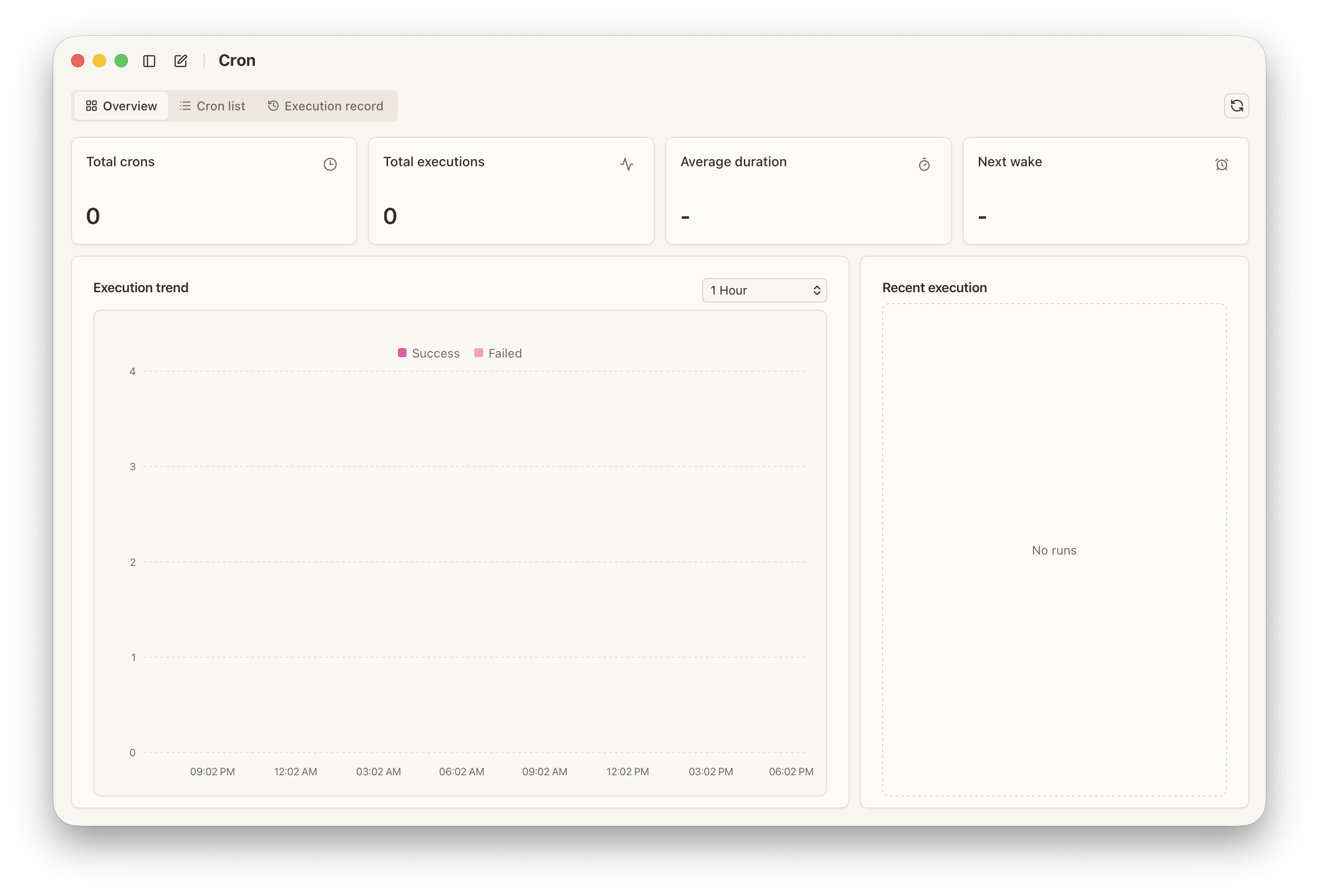
Overviewfor totals, next wake, and recent activityListfor current job definitions and statusRecordsfor specific runs, stages, and errors
When a job “seems not to work,” that is usually the first place to inspect before changing the workflow itself.
How to keep automation stable
- start with low-frequency, low-risk jobs
- make inputs and outputs explicit
- keep a failure delivery path where it matters
- review recent errors and consecutive failures regularly