
Assistant Runtime
Understand how chat, assistants, tools, skills, memory, and workspace access come together as an executable runtime.
Chat does not live outside the work
In DreamCreator, chat is where research, planning, and execution coordination happen. The assistant can help gather references, compare options, shape ideas, and, within the allowed scope, use tools, read workspace context, and continue pushing the task forward.
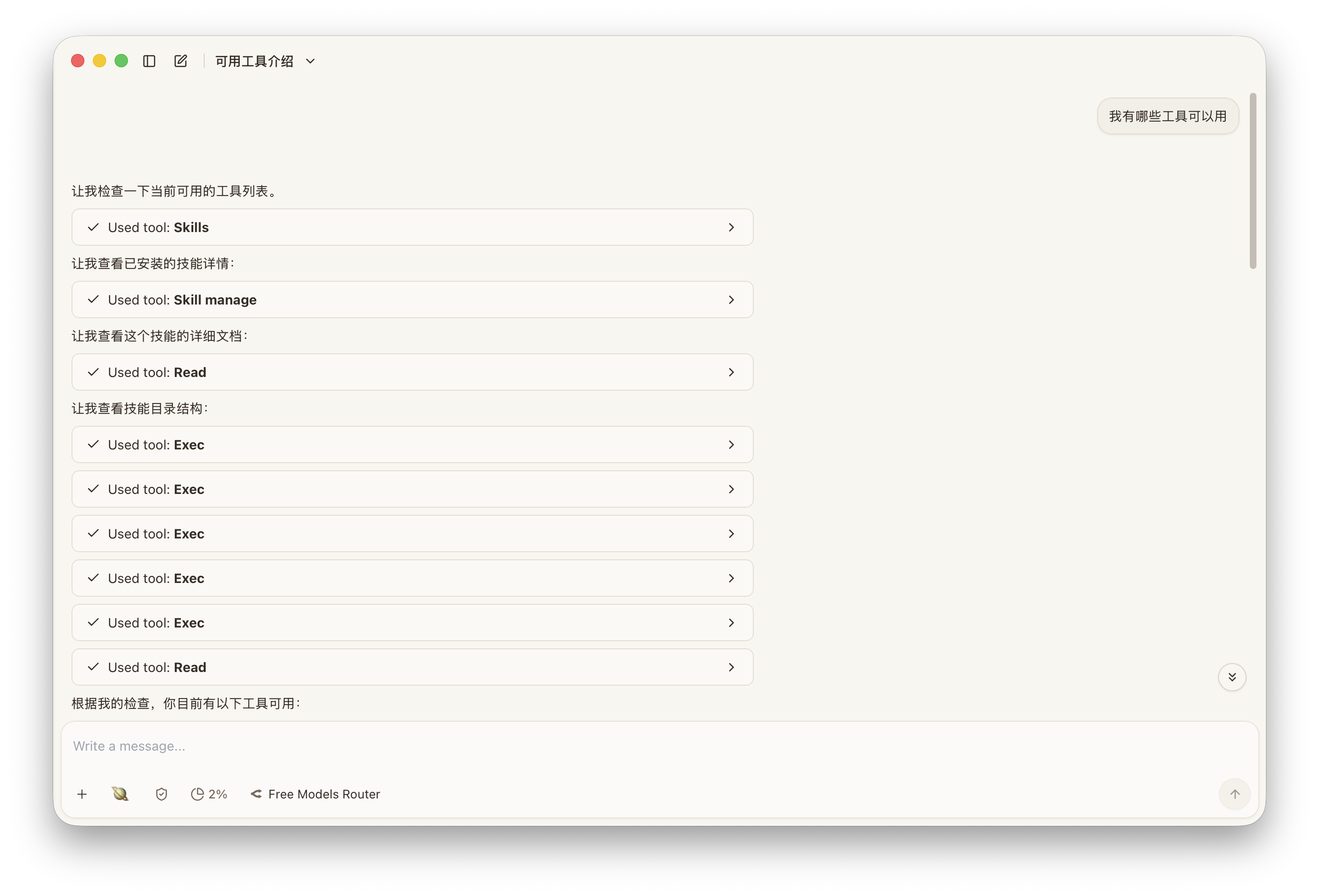
What an assistant is made of
A usable assistant is shaped by several layers at once:
- provider and model choice
- enabled tools
- installed or injected skills
- memory behavior
- workspace and file access
Only when those layers are connected does “executable AI assistant” become real.
Why multi-assistant switching matters
Different kinds of work benefit from different assistants, not because of personality, but because of context boundaries.
Typical splits look like:
- one assistant for research and reference gathering
- one assistant for subtitle review and terminology
- one assistant for operations and system-facing execution
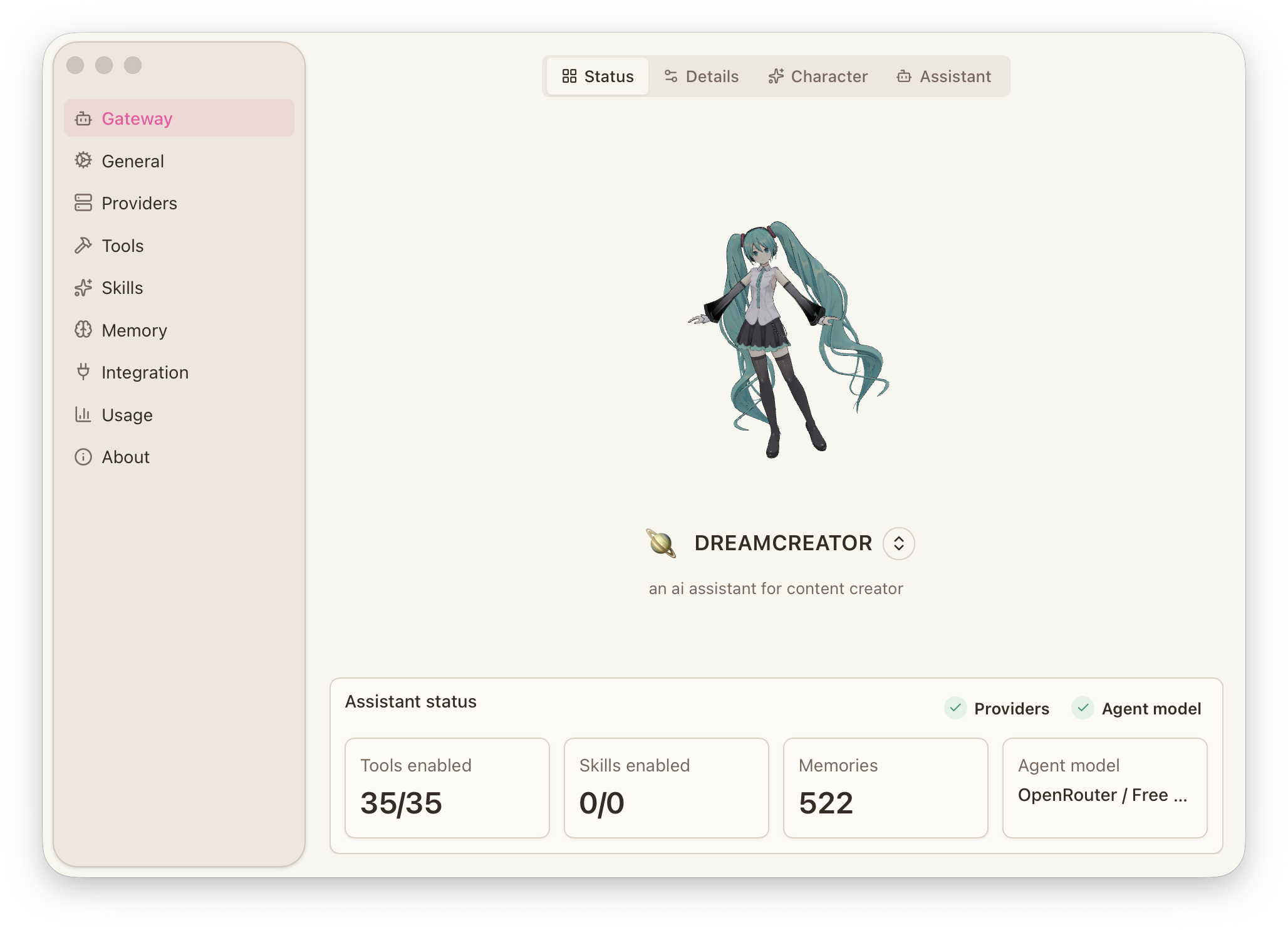
That separation keeps memory, permissions, and task context cleaner over time.
How tools, skills, and memory work together
Tools perform concrete actions. Skills package more specialized behavior. Memory preserves longer-term information so repeated work does not always restart from zero.
If you want assistants to participate in real creator workflows, those three layers should be treated as runtime infrastructure, not optional decoration.
When to split threads or assistants
If research, subtitle work, and operational tasks are all mixed into one thread, context gets noisy quickly. Split when:
- one thread is trying to hold unrelated projects
- one assistant needs both creative discussion and system-level execution power
- the context is becoming too broad to reuse cleanly later